
Ever felt frustrated trying to find products in a cluttered online store? In 2026, a smooth menu shopify experience is the difference between a lost customer and a loyal fan.
This guide cuts through the noise to give you seven proven tips for building intuitive, high-converting navigation. You’ll get actionable strategies, expert insights, and future-proof advice to help your store stand out and boost sales.
The Importance of Menu Navigation for Shopify Stores in 2026
Online shoppers in 2026 expect instant, seamless journeys. If your menu shopify setup is clunky or confusing, visitors will not stick around. The bar is high—users want to find what they need in seconds, especially on mobile. With over 60% of all Shopify traffic coming from mobile devices, your navigation must be thumb-friendly and lightning fast.
A poorly designed menu shopify experience can quickly drive customers away. Recent Shopify UX reports show that 70% of shoppers abandon stores with hard-to-use menus or unclear categories. Every lost visitor is a missed sale, making navigation a direct driver of your bottom line.
Search engines now judge your site on both speed and structure. Google’s Core Web Vitals reward stores with clean, logical menus that help users browse efficiently. A well-structured menu shopify layout improves crawlability, boosts your SEO, and increases your chances of ranking for key products. If you want to dive deeper, check out this guide on SEO optimisation for Shopify product pages to understand how navigation impacts both search and conversion.
Let’s look at the numbers:
| Shopper Expectation | Pitfall to Avoid |
|---|---|
| Fast, mobile access | Overcrowded menus |
| Clear categories | Hidden navigation |
| Easy filtering | Unclear labels |
| Personalisation | Generic menu items |
Top brands are setting the pace by using mega menus and advanced search filtering. These features help shoppers discover products faster and keep them engaged. For example, leading fashion stores deploy multi-column mega menus with images and icons, making the menu shopify experience both informative and visually appealing.
But even the best stores can trip up. Overcrowded menus, vague labels, or hiding important sections behind multiple taps frustrate users. As AI-driven personalisation and context-aware menus become more common, the gap between good and great navigation will only grow. Adapting to these trends ensures your store remains competitive, relevant, and ready for the future.
7 Essential Menu Shopify Tips for Better Navigation in 2026
Navigation is the backbone of your Shopify store. If customers can’t find what they want, they’ll walk away. In 2026, optimising your menu shopify strategy isn’t just about looking good—it’s about creating seamless paths to purchase. Below are seven actionable tips, each designed to help you build a menu shopify experience that converts visitors into loyal customers.

1. Optimise for Mobile-First Navigation
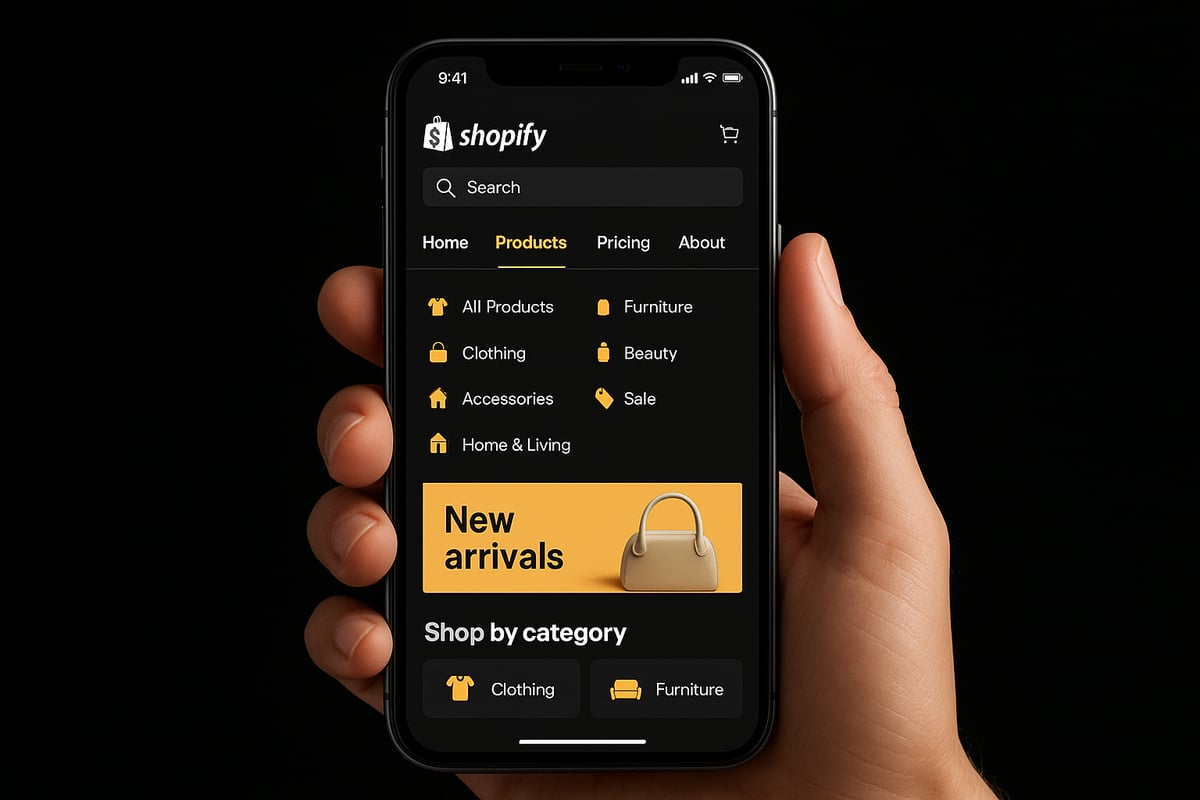
Mobile traffic now dominates Shopify stores, with over 60 percent coming from smartphones and tablets. If your menu shopify setup isn’t mobile-friendly, you’re missing out. Shoppers expect to glide through your menu shopify structure with just their thumbs.
Start with collapsible menus and sticky navigation bars. These keep the menu shopify options within reach at all times. Large tap targets are a must, making it easy for users to select categories without frustration.
Testing is critical. Use real devices, not just emulators, to check how your menu shopify performs on different screen sizes. For example, Our Place uses a full-width mobile mega menu shopify layout that’s effortless to navigate.
Data from Shopify (2025) reveals that simplified mobile menu shopify layouts boost engagement by 30 percent. Avoid relying solely on hamburger menus, especially if you have a large product catalogue. Instead, highlight your top-selling categories right on the main menu shopify bar.
Best practices for mobile-first menu shopify navigation:
- Use a single, clear menu shopify button for main navigation.
- Prioritise products or collections that drive the most revenue.
- Keep secondary options tucked away, but still accessible.
Remember, your mobile menu shopify is not just a shrunken version of your desktop site. It’s a tailored experience that guides users to what they want, fast.
2. Leverage Mega Menus for Complex Catalogues
If your menu shopify contains more than 25 products or five main categories, a mega menu is a game changer. Mega menus display multiple categories and subcategories in a single, organised panel, reducing clicks and speeding up product discovery.
Visual elements are key. Add images, icons, or even featured products to your menu shopify mega menu. Crockett & Jones, for example, uses multi-column layouts with product images, making browsing effortless and engaging.
According to Shopify Blog (2024), stores using mega menus in their menu shopify setup see a 20 percent faster product discovery rate. This means customers find what they want, and check out, more quickly.
Here’s a quick comparison of menu shopify structures:
| Menu Type | Best For | Pros | Cons |
|---|---|---|---|
| Simple Dropdown | Small catalogues | Easy to set up, clear | Limited scalability |
| Mega Menu | Large catalogues | Organised, visual, fast browse | Needs design effort |
Avoid clutter in your menu shopify mega menu. Use plenty of whitespace and clear headings to prevent overwhelm. Test for accessibility: ensure keyboard navigation and screen readers work seamlessly.
For a deeper dive into implementation and real-world results, check out the Shopify Mega Menu: Transform your store navigation for better sales guide.
Well-designed mega menus can turn a complicated menu shopify structure into a streamlined, conversion-focused experience.
3. Implement Smart Search and Filtering
Not every customer wants to scroll through categories. Many go straight to search. In fact, 43 percent of users use the search bar immediately when visiting a menu shopify interface (Shopify App Store, 2025).
Integrate AI-powered search bars and dynamic filters within your menu shopify experience. Apps like Smart Product Filter & Search or Prefixbox AI Search Bar can transform your store’s findability.
Smart search features for your menu shopify:
- Instant search results, even as users type.
- Filtering by price, size, colour, and tags.
- Personalised suggestions based on browsing history.
Take XCloud Search & Product Filter as an example. Their menu shopify integration provides instant results, boosting conversion rates significantly.
But be careful—not all filters are helpful. Too many filter options can overwhelm users and clutter your menu shopify. Stick to the basics and only add advanced filters where they’re truly needed.
A streamlined, intelligent search paired with a well-organised menu shopify means customers find products fast, buy more, and return again.
4. Use Clear, Descriptive Labels and Logical Hierarchies
Labels make or break your menu shopify clarity. If shoppers don’t understand what a menu shopify label means, they’ll leave. Use language your customers actually use, not your internal business jargon.
Organise categories logically. For example, “Men’s Shoes” with a subcategory for “Sneakers” is far more intuitive than generic menu shopify labels like “Products” or “Stuff.”
Data from Shopify UX (2025) shows that clear menu shopify labels can reduce bounce rates by up to 18 percent.
Belstaff’s menu shopify setup is a great example. They highlight key collections and even their brand’s history, making it easy for visitors to explore.
Best practices for menu shopify hierarchy:
- Limit top-level items to 5–7 for clarity.
- Use breadcrumbs for deeper navigation.
- Avoid generic or vague labels.
Logical structure in your menu shopify helps users navigate confidently, find what they need, and discover more products along the way.
5. Regularly Audit and Update Menu Structure
Your menu shopify structure isn’t set and forget. Trends change, products come and go, and customer needs evolve. Schedule quarterly reviews of your menu shopify categories and items.
Remove outdated or underperforming links. Use analytics to see which menu shopify paths are most popular and which are ignored.
Stated Outfitters, for instance, updates their menu shopify links based on seasonal trends, ensuring shoppers always see relevant collections.
Data from Shopify Insights (2025) indicates that stores updating their menu shopify structure every quarter see 15 percent higher engagement.
Tips for ongoing menu shopify audits:
- Gather customer feedback on navigation pain points.
- Test new layouts using A/B testing.
- Keep a pulse on seasonal and trending products.
A regular menu shopify audit ensures your navigation stays fresh, relevant, and optimised for conversion.
6. Enhance Visual Cues and Accessibility
Visual cues guide users through your menu shopify, helping them know where they are and what’s new. Add icons, highlights, or hover states to your menu shopify items for better orientation.
Badges like “New,” “Sale,” or “Bestseller” on menu shopify links draw attention and encourage clicks. Archer & Olive’s menu shopify uses bold text and images to direct users effectively.
Accessibility is critical. Ensure high colour contrast and readable fonts in your menu shopify. Data from the Shopify Accessibility Study (2024) shows that accessible menu shopify designs can increase conversion rates by 12 percent.
Key accessibility features for your menu shopify:
- Keyboard navigation support.
- ARIA labels for screen readers.
- Avoid using only colour to indicate active menu shopify states.
A visually clear and accessible menu shopify not only welcomes more customers, it also boosts your SEO and overall sales.
7. Integrate Personalisation and AI Recommendations
Personalisation is the future of menu shopify navigation. By tailoring your menu shopify based on user behaviour and purchase history, you make shopping easier and more relevant.
Use Shopify apps or custom scripts to create dynamic menu shopify content. For example, show recently viewed categories, or suggest trending collections right in the menu shopify.
According to Shopify Plus (2025), stores using AI-powered menu shopify features see a 25 percent increase in repeat visits.
Tips for personalising your menu shopify:
- Feature recommended or trending categories.
- Test the impact of personalisation with analytics.
- Avoid over-complicating the menu shopify for new visitors.
Always plan for privacy compliance in your menu shopify personalisation strategy. A well-balanced personal touch in your menu shopify can transform occasional buyers into loyal fans.
How to Choose the Right Shopify Menu Apps and Tools
Selecting the right menu shopify tools is essential for a seamless user experience and increased conversions. In 2026, merchants have more options than ever, but not all apps are created equal. The right choice can boost engagement and keep your site fast and easy to navigate.
What to Look for in a Menu Shopify App
The best menu shopify apps in 2026 share a few crucial features. Look for drag and drop builders that simplify menu changes without coding. Mobile optimisation is non-negotiable, as over 60% of traffic comes from mobile devices. Analytics dashboards help you track which menu paths drive conversions.
Integration with other Shopify features, such as smart search or personalisation, can set your store apart. According to recent user feedback, apps with robust support and regular updates tend to outperform the competition. For more expert-backed advice, check out Shopify Navigation: 10 Tips to Optimize Your Online Store for additional insights.
Comparison of Top Menu Shopify Apps
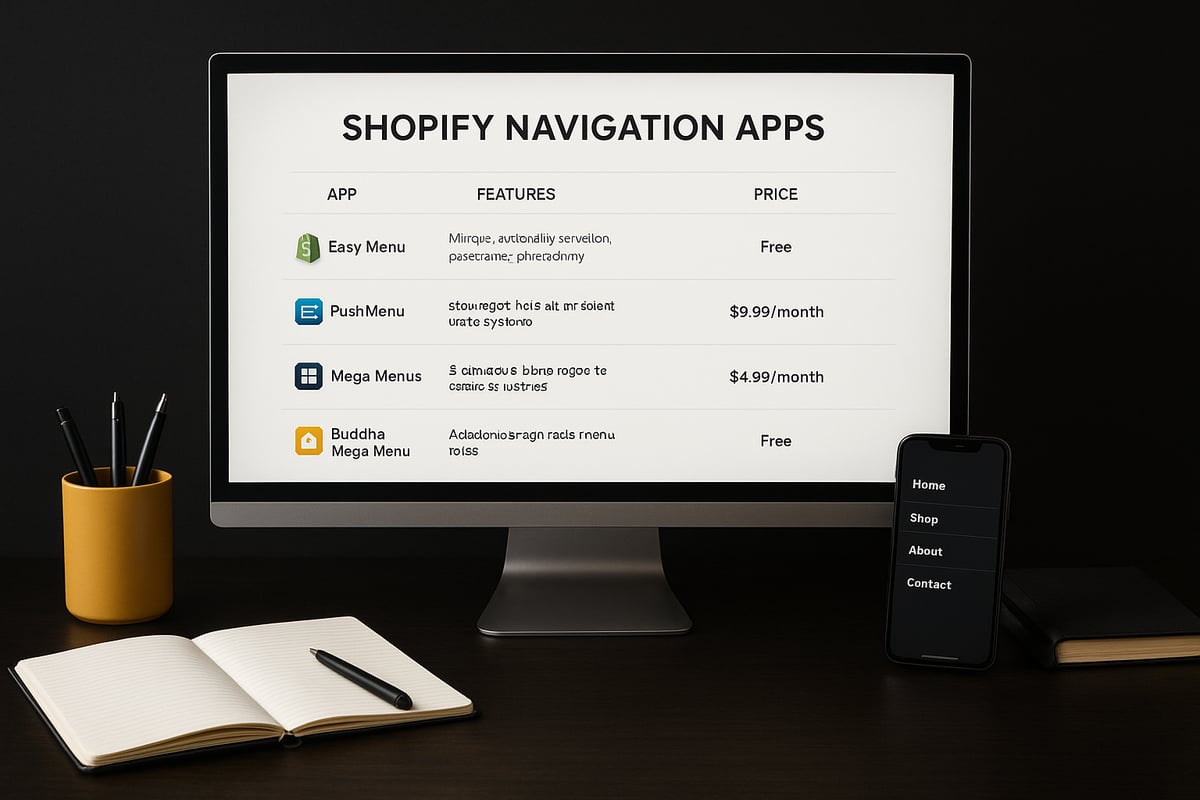
Here’s a quick look at four leading menu shopify apps for 2026:
| App Name | Key Features | Pricing | Best For |
|---|---|---|---|
| Globo Mega Menu | Drag and drop, mobile ready | Free/Paid | Large catalogues |
| Qikify Mega Menu | Visual builder, analytics | Free/Paid | Beginners, visual stores |
| Buddha Mega Menu | Easy setup, icons, badges | Free/Paid | Fast setup, small businesses |
| Meteor Mega Menu | Advanced filtering, speed | Paid | Tech savvy, custom needs |
Each menu shopify solution offers a mix of free and premium plans, so you can scale as your business grows. Test a few to find the right fit for your workflow and store style.
App-Based vs Theme-Based Menus: Pros and Cons
App-based menu shopify tools offer flexibility and advanced features like mega menus, smart search, and analytics. However, too many apps can slow your site. Theme-based menus are often faster and integrate smoothly but may lack customisation.
- Pros of app-based: Quick setup, advanced features, regular updates
- Cons of app-based: Possible app bloat, subscription costs, slower load times
- Pros of theme-based: Fast, lightweight, simple
- Cons of theme-based: Limited features, harder to scale
Regularly audit your installed apps to keep your site lean and fast.
Choosing the Right Tool: Checklist
Before installing any menu shopify tool, run through this checklist:
- Is it mobile optimised?
- Does it support analytics and A/B testing?
- Can you customise menus without coding?
- Are there positive user reviews and active support?
- Will it integrate with your existing theme and apps?
If you’re seeking professional guidance to overhaul your navigation and get the most from your menu shopify setup, consider exploring Shopify store development services for tailored solutions.
Choosing the right tool is about more than features. Prioritise performance, scalability, and real user feedback to ensure your navigation keeps customers coming back.
Advanced Menu Strategies for Growing eCommerce Brands
Keeping up with growth is a challenge every successful Shopify store faces. As your product range expands, your menu shopify navigation must evolve too. A well-structured menu shopify system can guide shoppers to what they want, highlight new arrivals, and boost both conversion and average order value.
Scaling Your Menu Shopify Navigation
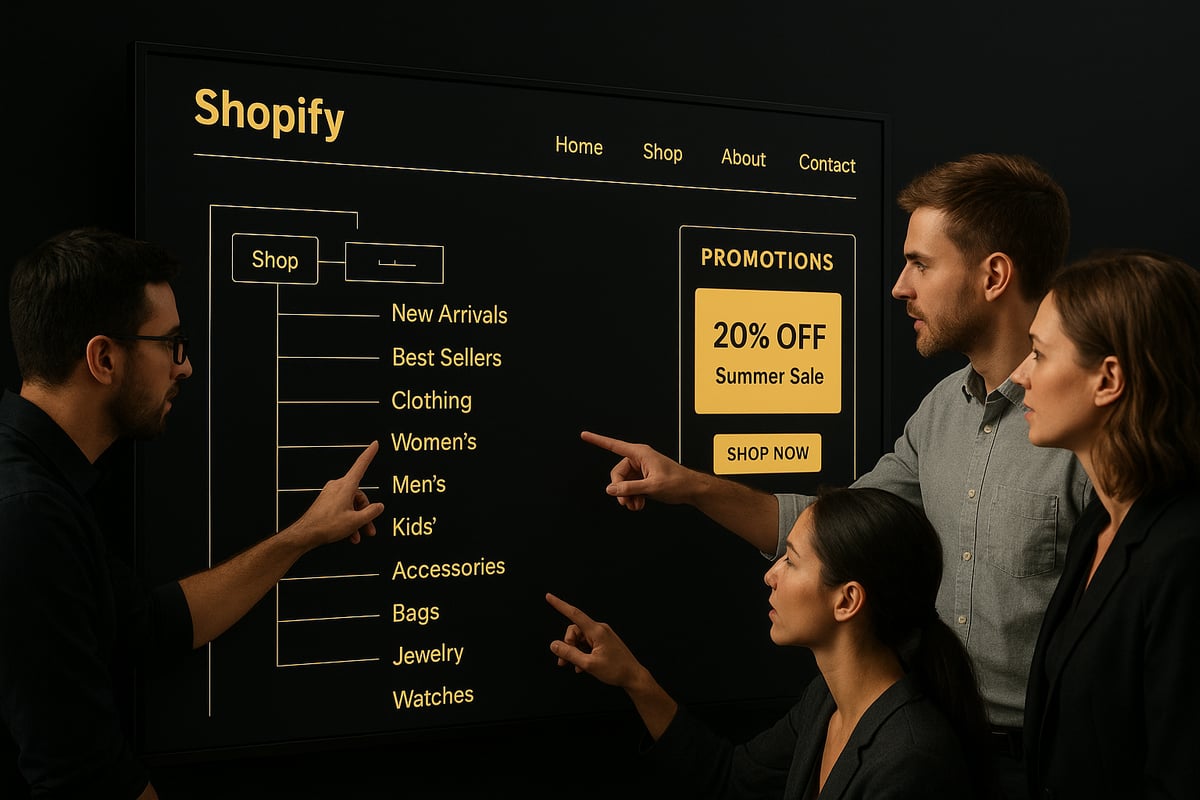
When your catalogue grows from a handful of products to hundreds, keeping your menu shopify navigation simple yet powerful is critical. Start by grouping products into logical categories and subcategories. This reduces clutter and helps customers find what they need faster.
Brands like The Iconic regularly audit their menus, removing slow-moving categories and promoting trending ones. As a rule, avoid menus with more than 7 top-level items, and use mega menus to reveal deeper layers only when needed. Adjust your menu shopify structure quarterly, using analytics to see which paths shoppers use most.
Using Analytics and Campaigns for Smarter Menus
Menu analytics give you insight into customer behaviour. Which categories get the most clicks? Where do users drop off? Use heatmaps and click tracking to identify strong and weak spots in your menu shopify navigation.
Integrate marketing campaigns directly into your menu. For instance, during Black Friday, feature a "Flash Sale" link or highlight "New Arrivals" year-round. Cross-linking collections and promotional pages inside your menu shopify can increase exposure and drive higher conversion rates.
Cross-Selling, Upselling, and Real Success Stories
Menus are more than just navigation—they are a merchandising tool. Spotlight bestsellers, seasonal products, or bundles directly in your menu shopify. Some brands have doubled their average order value by adding "Complete the Look" or "Customers Also Bought" links within dropdowns.
A real-world example: an Australian apparel brand increased upsells by 20% after adding direct links to accessories from the main clothing categories. This simple shift in menu shopify structure turned their navigation into a sales engine.
Future-Proofing and Avoiding Common Pitfalls
Looking ahead, prepare your menu shopify for emerging trends like voice navigation and AI-powered chatbots. As shoppers expect more personalised experiences, context-aware menus that adjust to user behaviour will become standard.
However, avoid the trap of over-complicating your menu shopify. Too many options confuse shoppers, especially on mobile. Prioritise clear, accessible labels and test every change on both desktop and mobile devices. For guidance on aligning your menu shopify with best SEO practices, check out the Shopify Help Center: Optimizing your site structure for search engines.
Ongoing Optimisation and Learning
Menu shopify optimisation is not a one-off task. Stay updated with new trends, tools, and Shopify features. Explore curated resources like Shopify websites category insights for expert tips, case studies, and ongoing learning.
By treating your menu shopify as a living part of your store, you ensure it grows with your business, delights customers, and drives results.
You’ve just seen how smart menu navigation can seriously boost your Shopify store’s results in 2026—fewer headaches for customers, more sales for you, and a smoother path to growth. If you’re ready to move from endless tweaking to a proven, streamlined store build that actually converts, you don’t have to figure it all out alone. Let’s make sure your navigation isn’t holding you back from real momentum. If you want hands-on guidance and a clear path from stuck to selling, you can Go From Stuck to Selling in 4-Weeks.


Be the first to comment