
Developing for Shopify has evolved significantly since the platform first emerged as a simple store builder. Today, it's a comprehensive ecosystem that supports everything from basic theme tweaks to complex headless architectures. For Australian small business owners looking to build or optimise their online stores, understanding the development landscape helps you make smarter decisions about what you need, who you hire, and how much you should invest. Whether you're launching your first store or scaling an existing one, knowing the fundamentals of Shopify development removes the mystery and puts you in control.
The Shopify Development Landscape in 2026
Shopify development breaks into several distinct areas, each serving different business needs.
Theme development focuses on the visual and structural layer of your store. Custom themes give you complete control over design and user experience. Pre-built themes offer faster deployment but less flexibility.
App development extends Shopify's core functionality. Public apps serve multiple merchants through the App Store. Private apps solve specific problems for individual businesses.
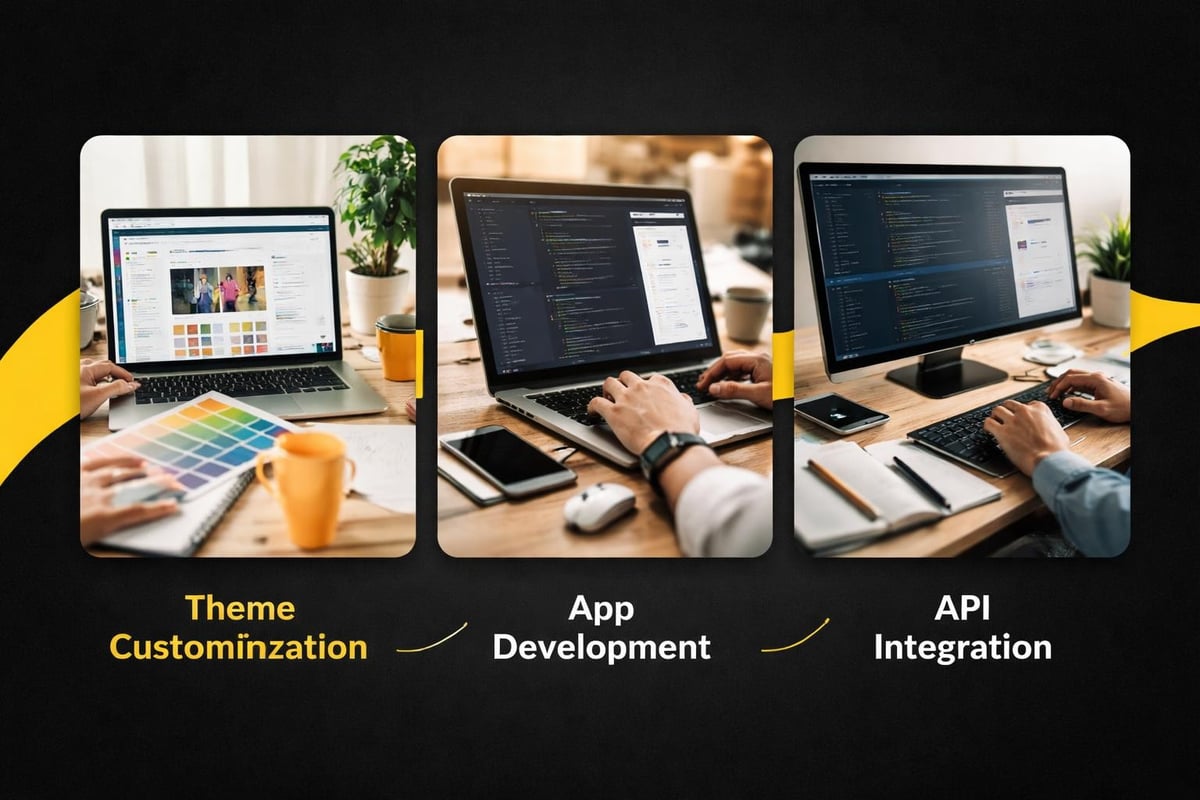
API integration connects Shopify to external systems. Inventory management, accounting software, and marketing platforms all rely on API connections. According to recent data, 78% of Shopify Plus merchants use at least five third-party integrations to run their businesses.
Headless commerce represents the cutting edge. It separates the frontend presentation from Shopify's backend, allowing for faster page loads and more creative designs. This approach suits brands with specific UX requirements or complex content needs.
Understanding Development Stores
A development store is your testing ground. Shopify Partners get unlimited development stores for free, making them essential for anyone seriously developing for Shopify.
These stores mirror live stores but don't process real transactions. You can test themes, apps, and integrations without risking actual customer data. Once development finishes, you transfer the store to the client or activate it under a paid plan.
Development stores come with test payment gateways and sample products. This environment lets you replicate real-world scenarios without financial consequences. Most professional developers maintain several development stores for different client projects or testing scenarios.
The Shopify Academy course on developing for Shopify walks through setting up and using development stores effectively.
Theme Development Fundamentals
Shopify themes use Liquid, a templating language created by Shopify. Liquid combines HTML with dynamic data tags to generate pages. Learning Liquid takes time, but it's less complex than full programming languages like JavaScript or Python.
Dawn represents Shopify's current reference theme. Released in 2021, it emphasises performance and accessibility. Most modern theme development starts with Dawn as a foundation rather than building from scratch.
Theme structure follows a consistent pattern. Templates control page layouts. Sections create reusable content blocks. Snippets handle repeated code fragments. This modular approach makes themes easier to maintain and customise.
Local development tools have improved dramatically. Shopify CLI now handles theme deployment, testing, and version control seamlessly. This workflow matches modern development practices used across web development generally.
Customising Existing Themes
Most small businesses don't need fully custom themes. Customising existing themes delivers results faster and costs less.
Theme customisation ranges from simple colour changes to substantial structural modifications. The Shopify theme editor handles basic changes without code. More complex adjustments require editing Liquid files directly.
Common customisation requests include:
- Custom product page layouts
- Unique collection filtering
- Integrated reviews and social proof
- Tailored checkout experiences
- Mobile-specific optimisations
Version control becomes critical when customising themes. Before making changes, duplicate your theme. This backup protects you if something breaks. Professional developers use Git for version tracking, allowing precise rollbacks when needed.
Performance monitoring matters during customisation. Adding features often increases page load times. Google reports that 53% of mobile users abandon sites taking over three seconds to load. Every second counts for conversion rates.
API Integration and Automation
Shopify's APIs power integrations between your store and external systems. The platform offers both REST and GraphQL APIs, each suited to different use cases.
REST APIs follow traditional web service patterns. They're straightforward and well-documented. GraphQL APIs offer more flexibility, letting you request exactly the data you need in a single query. The GraphQL Admin API has become the preferred choice for complex applications.
Authentication uses API tokens or OAuth, depending on whether you're building private or public apps. Private apps get permanent tokens. Public apps use OAuth for user authorisation.
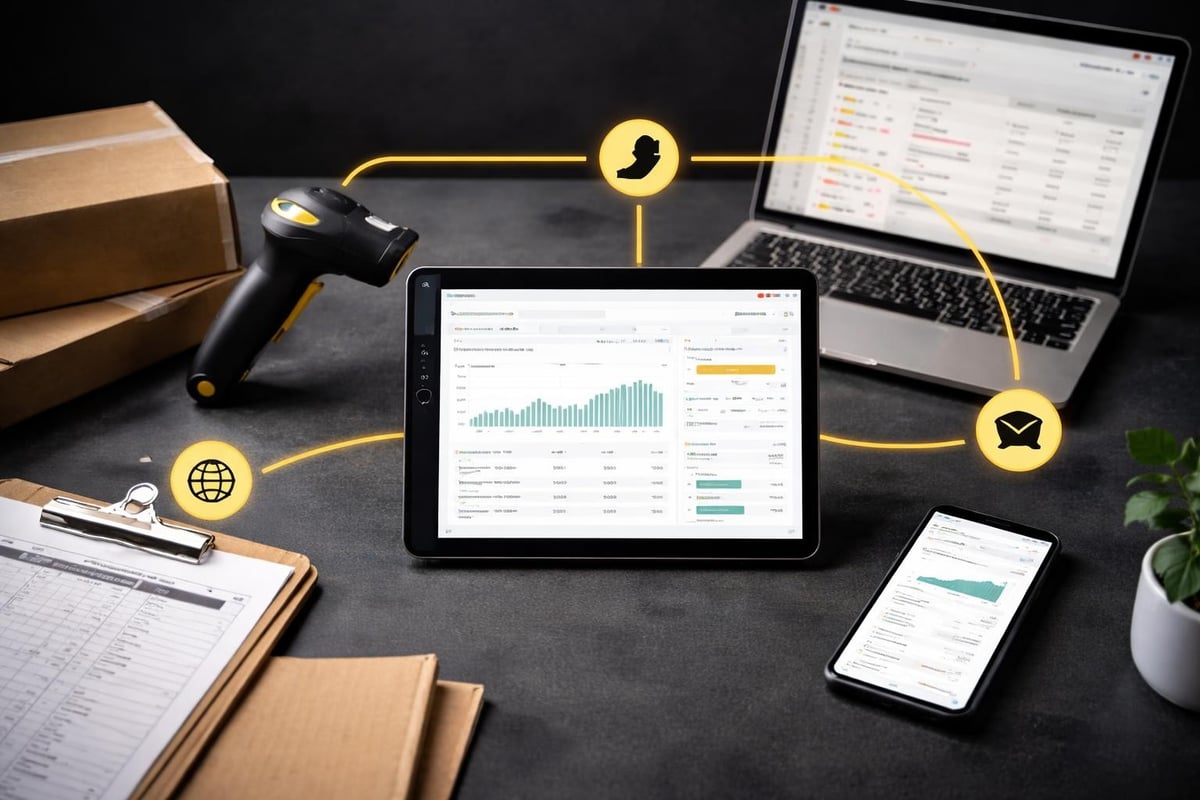
Common integration scenarios include:
- Syncing inventory between Shopify and warehouse management systems
- Pushing order data to accounting software like Xero
- Connecting customer data to email marketing platforms
- Automating product imports from suppliers
- Generating custom reports combining data from multiple sources
The official Shopify API documentation provides comprehensive technical references. For Python developers, the Shopify Python API library simplifies programmatic access to store data.
Webhooks for Real-Time Updates
Webhooks push data to your systems when events occur in Shopify. Instead of constantly checking for changes, webhooks notify you immediately.
Order creation, customer updates, and inventory changes all trigger webhooks. This real-time communication enables responsive automation. For example, when an order ships, a webhook can trigger SMS notifications to customers.
Setting up webhooks requires a receiving endpoint. This could be a custom server, a cloud function, or a third-party automation platform. The endpoint processes incoming data and executes your business logic.
Webhook reliability matters. Networks fail, servers restart, and connections drop. Implementing retry logic and logging ensures you don't miss critical events. Shopify retries failed webhook deliveries, but your system should handle duplicates gracefully.
App Development for Extended Functionality
Building Shopify apps requires different skills than theme development. Apps use standard web frameworks and languages. Ruby, Node.js, Python, and PHP all work well.
Apps embed within the Shopify admin using App Bridge. This JavaScript library creates seamless experiences that feel native to Shopify. Users navigate your app features without leaving their admin dashboard.
Public apps serve multiple merchants and list on the Shopify App Store. Private apps solve specific needs for individual businesses. Most small businesses benefit more from private apps or existing public apps than building for the App Store.
| App Type | Best For | Development Time | Cost Range |
|---|---|---|---|
| Public App | Solving common problems at scale | 3-6 months | $15,000-$100,000+ |
| Private App | Unique business requirements | 2-8 weeks | $3,000-$20,000 |
| Script | Checkout customisations | 1-2 weeks | $1,000-$5,000 |
The economics of app development favour focused solutions. Building a full-featured app competing with established App Store listings rarely makes sense for individual businesses. Custom private apps filling specific gaps deliver better ROI.
Choosing Between Apps and Integrations
The line between apps and integrations blurs. Both extend Shopify's capabilities, but they differ in implementation and scope.
Apps install through the Shopify admin and appear in your apps list. They typically include user interfaces and ongoing functionality. Examples include email marketing tools, review collectors, and inventory management systems.
Integrations connect systems through APIs without installing as apps. They run externally and sync data bidirectionally. Examples include accounting software connections and shipping platform integrations.
For businesses developing for Shopify, the choice depends on user interaction needs. If merchants need regular interface access, build an app. If the connection runs automatically in the background, an API integration suffices.
Working with Shopify Partners
The Shopify Partner program supports developers, designers, and agencies building for the platform. Partners get development stores, educational resources, and revenue sharing on referred merchants.
Becoming a Partner costs nothing. The program benefits anyone regularly developing for Shopify, even if you only build stores for your own business. Partner perks include early access to new features and dedicated support channels.
Partner revenue comes from multiple streams. Affiliate referrals earn recurring commissions when merchants you refer pay Shopify. Development stores you transfer become client accounts, generating ongoing partner income. Theme and app sales through Shopify's marketplaces create additional revenue.
The Partner ecosystem includes thousands of developers worldwide. Competition exists, but so does collaboration. Many Partners specialise in niches, focusing on specific industries or technical approaches. For Australian businesses, working with local Partners familiar with Shopify development practices often delivers better communication and timezone alignment.
Finding the Right Development Partner
Choosing a development partner requires evaluating both technical capability and business understanding.
Technical skills matter, but understanding eCommerce strategy matters more. A developer who codes brilliantly but doesn't grasp conversion optimisation builds beautiful stores that don't sell. Look for partners who ask about your business goals before discussing technical implementation.
Portfolio review reveals actual capabilities. Don't just look at visual design. Check page load speeds, mobile responsiveness, and checkout experiences. Ask about the results clients achieved post-launch. Revenue growth and conversion rate improvements tell the real story.
Communication style predicts project success. Partners who explain technical decisions in plain language and involve you in key choices build better long-term relationships. Those who hide behind jargon or dismiss your input create frustration and misalignment.
For small Australian businesses launching their first store, my core Shopify package covers everything needed to launch within four weeks with clarity and momentum, avoiding both agency bloat and the gaps that DIY approaches often leave.
Performance Optimisation During Development
Speed impacts everything in eCommerce. Research from Deloitte shows that a 0.1-second improvement in mobile site speed increases conversion rates by 8.4% for retail sites.
Performance considerations should guide development decisions from the start, not be added later as fixes.
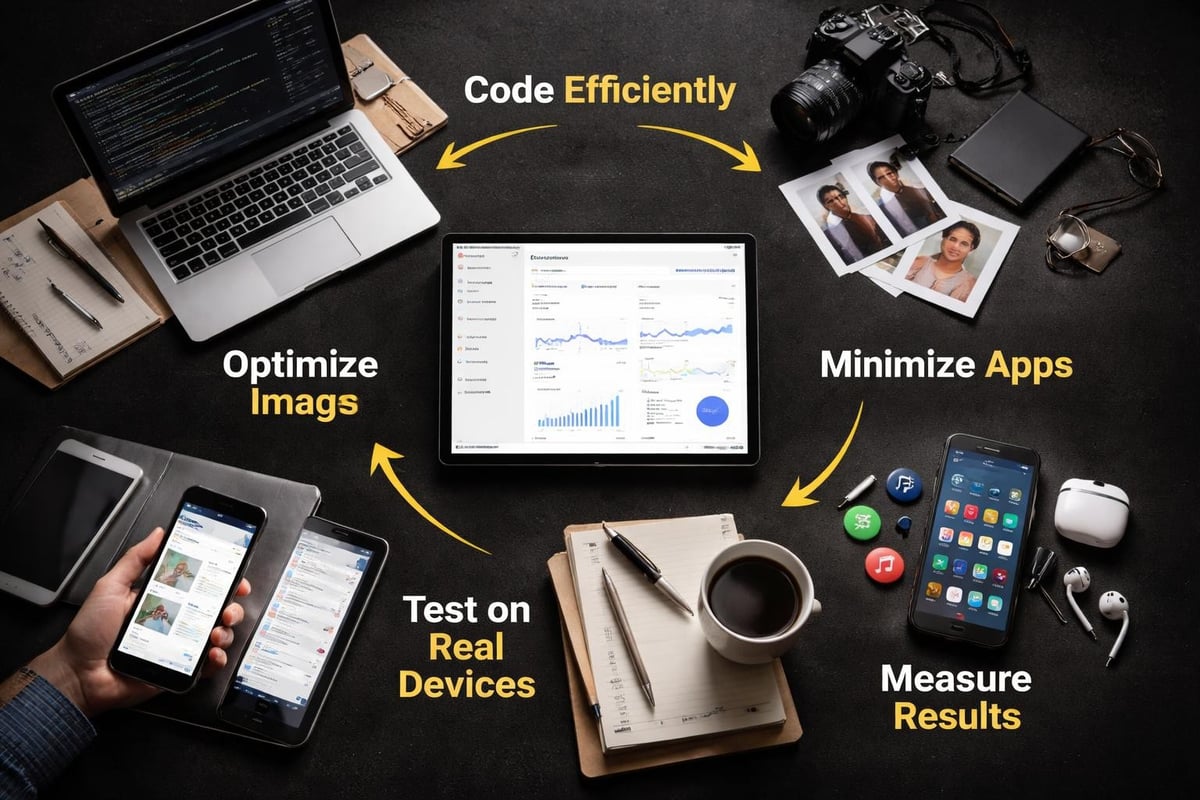
Image optimisation represents the biggest quick win. Shopify automatically serves images in modern formats like WebP, but you still need to upload appropriately sized originals. A 4000-pixel product image makes no sense when the largest display size is 800 pixels.
App quantity directly correlates with slower stores. Each installed app adds code to your pages. Five apps might seem reasonable, but if each adds 100KB of JavaScript, you've bloated your pages by 500KB. Audit apps regularly and remove those providing minimal value.
Theme code quality matters enormously. Inefficient Liquid loops, excessive DOM elements, and render-blocking scripts all slow pages down. The StoreDevGuide offers specific tutorials on performance-focused development techniques.
Third-party scripts deserve scrutiny. Marketing pixels, chat widgets, and analytics tools all impact performance. Load them asynchronously when possible and defer non-critical scripts until after page load.
Testing Across Devices and Browsers
Shopify stores serve global audiences on diverse devices. Your development environment represents a fraction of actual user experiences.
Real device testing beats emulators. Borrowing phones from friends or using device labs reveals issues simulators miss. Touch target sizes, font readability, and loading speeds all behave differently on actual hardware.
Browser testing should cover:
- Chrome (desktop and mobile)
- Safari (especially iOS Safari)
- Firefox
- Edge
- Samsung Internet (popular in Australia)
Geographic testing matters too. Australian internet speeds vary significantly between metro and regional areas. Testing on throttled connections simulates real rural user experiences.
Accessibility testing ensures everyone can use your store. Screen readers, keyboard navigation, and colour contrast all require deliberate testing. The Shopify Development Fundamentals path covers accessibility as a core development principle.
Staying Current with Platform Changes
Shopify ships updates constantly. New features, API versions, and best practices emerge regularly. Developers who don't stay current build using outdated approaches.
Shopify's changelog documents all platform changes. Following it keeps you aware of new capabilities and deprecations. Major changes typically include migration guides and timelines.
API versioning requires particular attention. Shopify maintains API versions for 12 months after introducing new versions. After that, older versions stop working. Guides on using the Shopify API help developers understand version management and migration paths.
Community resources complement official documentation. Developer forums, Discord servers, and Reddit communities provide real-world problem solving. Other developers share solutions to common challenges and review approaches to new features.
Following Shopify Partners on social media surfaces announcements quickly. Twitter and LinkedIn posts from Shopify often preview changes before full documentation appears. This early awareness helps you plan updates proactively.
Security Considerations in Development
Security breaches destroy customer trust and create legal liability. Developing for Shopify requires treating security as fundamental, not optional.
API credentials must stay private. Never commit tokens to public repositories or share them in screenshots. Use environment variables and secrets management systems. Rotating credentials regularly limits exposure if leaks occur.
Data handling follows strict requirements. Customer information deserves the same protection as your own financial data. Encrypt sensitive data in transit and at rest. Minimise data collection to only what's genuinely needed.
Shopify handles PCI compliance for payment processing, removing this burden from merchants. However, custom checkout extensions must avoid interfering with this security. The platform provides guidance on maintaining compliance while customising checkout experiences.
Regular security audits catch vulnerabilities before they're exploited. Automated tools scan code for common issues. Manual reviews by security-focused developers find logic flaws that automated scans miss.
Managing User Permissions
Apps request specific permission scopes when installing. Request only the access your app actually needs. Over-requesting permissions reduces merchant trust and increases security risk if your app is compromised.
Permission scopes include read and write access to various Shopify resources. Orders, customers, products, and settings all have separate scopes. Carefully reviewing Shopify’s API permissions documentation ensures appropriate scope selection.
Store staff permissions matter for client stores. Setting up appropriate user roles prevents accidental changes and limits damage from compromised accounts. Developers should never use the store owner account for routine work.
Building Scalable Solutions
Scalability means your store handles growth without performance degradation or architectural changes.
Database queries need optimisation from the start. Inefficient queries perform acceptably with 100 products but fail with 10,000. Indexing, caching, and query structure all impact scalability.
API rate limits enforce scalability discipline. Shopify limits API calls to prevent abuse and ensure platform stability. Batch operations, caching responses, and strategic polling respect these limits while maintaining functionality.
Headless architectures enable scaling frontend and backend independently. As traffic grows, you can add frontend capacity without touching Shopify. This separation of concerns becomes critical for high-traffic stores.
Infrastructure choices impact scalability. Serverless functions handle variable loads better than fixed servers. Cloud platforms like AWS and Google Cloud provide auto-scaling infrastructure that adjusts to demand automatically.
Learning Resources for Continuous Growth
Developing for Shopify requires ongoing learning. The platform evolves, best practices change, and new technologies emerge.
Official Shopify documentation remains the authoritative source. It covers APIs, theme development, app building, and platform features comprehensively. Bookmark it and reference it regularly.
Shopify Academy offers free development courses covering everything from basics to advanced techniques. The structured learning paths guide you from beginner to proficient developer.
YouTube channels from experienced Shopify developers share practical tutorials. Watching experienced developers work through problems accelerates learning beyond reading documentation alone.
Building practice projects reinforces learning. Creating a test store and implementing features hands-on cements concepts better than passive reading. Experiment freely in development stores without fear of breaking live sites.
Open source theme and app projects on GitHub provide real code to study. Reading production code from successful developers teaches patterns and practices that documentation doesn't always explain clearly.
Developing for Shopify in 2026 offers tremendous opportunities for businesses wanting to build powerful, conversion-focused online stores without enterprise complexity or cost. The platform's flexibility supports everything from simple theme tweaks to complex integrations, meeting businesses wherever they are in their eCommerce journey. If you're ready to launch a Shopify store that's built for conversions and designed to scale with your business, Kida Digital delivers streamlined, four-week builds for Australian businesses looking for clarity and momentum without the agency price tag or DIY uncertainty.


Be the first to comment