

Setting up an ecommerce site for small business in 2026 isn't what it was five years ago. The barrier to entry has dropped, the tools have evolved, and the expectations from your customers have skyrocketed. But here's the reality: most small Australian businesses still get it wrong. They either overspend on bloated agency builds that take months, or they underspend on DIY platforms that leave critical gaps in functionality. The middle ground exists, and it's where sustainable growth happens. This guide walks you through what actually matters when building your online store, from choosing the right platform to avoiding the mistakes that cost time and revenue.
Why Your eCommerce Platform Choice Matters More Than You Think
Your platform isn't just the foundation of your store. It's the infrastructure that determines your growth ceiling.
Choosing the wrong platform can lock you into expensive migrations down the track. It can limit your ability to add features, integrate tools, or scale when demand spikes.
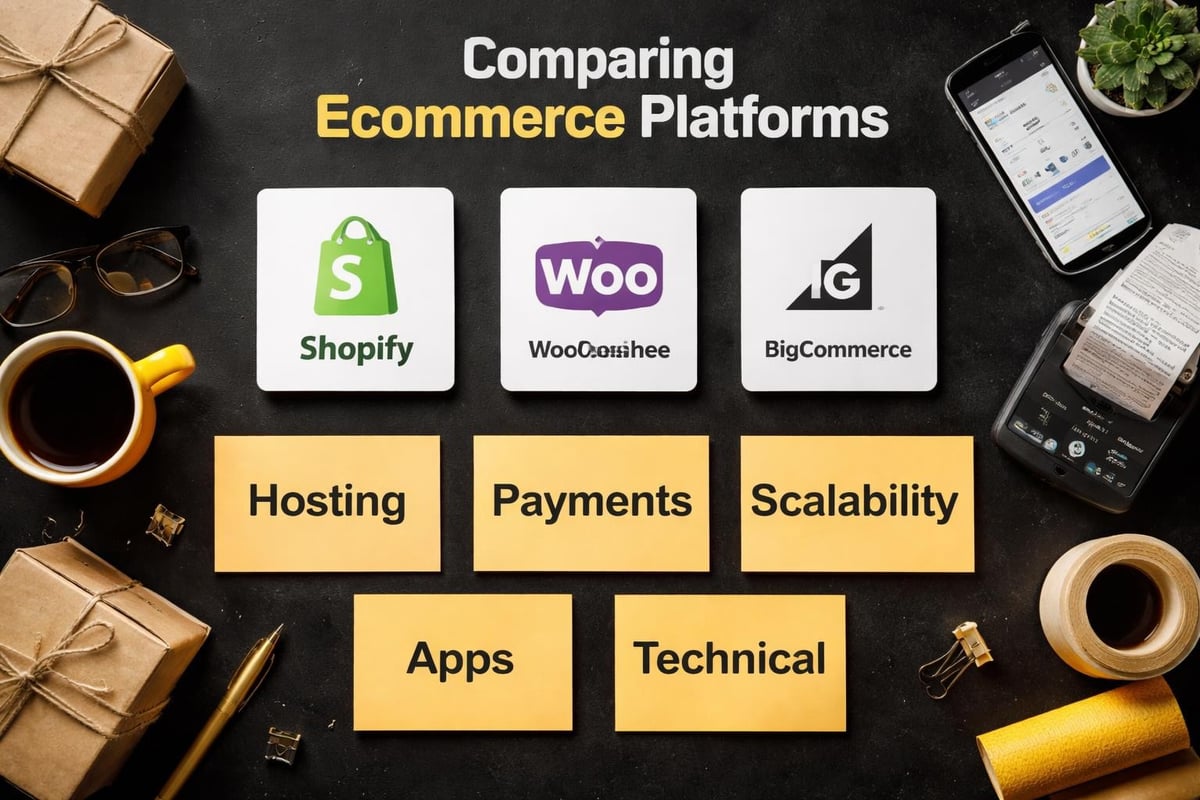
The right ecommerce site for small business needs three things: reliability, flexibility, and room to grow. According to TechRadar’s comprehensive guide to the best ecommerce platforms, Shopify, WooCommerce, and BigCommerce lead the pack for different reasons.
Shopify dominates for small businesses because it handles hosting, security, and updates without requiring technical expertise. You don't need a developer on retainer to keep your store running.
WooCommerce appeals to businesses already on WordPress. It offers deep customisation but demands more hands-on management.
BigCommerce sits in the middle, offering robust built-in features without the transaction fees Shopify charges on external payment gateways.
For Australian small businesses selling physical products, subscriptions, or digital goods, Shopify consistently delivers the best balance of ease and capability. The ecosystem of apps and integrations means you can adapt as your business evolves.
Essential Features Your Store Can't Launch Without
Not all features are created equal. Some are nice to have. Others are deal-breakers.
Payment Processing That Actually Works
Your checkout needs to accept multiple payment methods without friction. Australian customers expect Afterpay, PayPal, and standard card payments as baseline options.
Shopify Payments simplifies this by bundling payment processing directly into the platform. You avoid third-party transaction fees and get faster settlements.
If you're using external gateways like Stripe or PayPal, factor in the additional 0.5-2% transaction fee on top of standard processing costs. Over a year, that compounds.
Mobile Responsiveness Isn't Optional Anymore
In 2026, over 65% of ecommerce traffic comes from mobile devices. If your store doesn't render cleanly on phones and tablets, you're losing sales before customers even see your products.
Themes and templates matter here. A poorly coded theme creates slow load times and broken layouts on smaller screens.
Test your store on actual devices, not just browser simulators. Real-world performance differs.
Inventory and Order Management
Manual inventory tracking stops working the moment you exceed 20-30 SKUs. You need automated stock updates, low-stock alerts, and synced inventory across sales channels.
Your ecommerce site for small business should connect inventory to your fulfilment process. When an order comes through, your team needs clear pick lists, shipping labels, and tracking updates without jumping between systems.
Shopify's native order management covers most small business needs. If you're dropshipping or using third-party logistics, integrations like Oberlo or ShipStation bridge the gap.
| Feature | Why It Matters | Consequence of Skipping It |
|---|---|---|
| Multi-payment options | Reduces cart abandonment | Lose 20-30% of potential sales |
| Mobile optimisation | Captures majority of traffic | High bounce rates, poor conversions |
| Automated inventory | Prevents overselling | Customer complaints, refunds, reputational damage |
| SSL security | Builds trust, required for payments | Customers won't complete checkout |
SEO Foundations Built In
Search visibility determines whether your store gets found or buried. Your platform needs clean URL structures, editable meta tags, and fast page speeds out of the box.
Shopify handles technical SEO well but requires manual optimisation for product pages, collections, and blog content. For a detailed breakdown, this guide to SEO optimisation for Shopify product pages covers what converts.
Google prioritises page speed and mobile performance. If your theme loads slowly, your rankings suffer.
What Small Businesses Get Wrong When Building Their First Store
Experience teaches faster than theory. Here's where most small businesses stumble.
Overcomplicating the Design
Your store doesn't need custom animations, parallax scrolling, or video backgrounds. It needs clarity.
Customers visit your site to buy products, not admire design flourishes. Clean navigation, clear product images, and straightforward descriptions outperform flashy designs every time.
Complicated designs also increase load times. Every second of delay costs conversions.
Ignoring Conversion Optimisation
Traffic without conversions is just noise. Your store needs trust signals, clear calls to action, and simplified checkout flows.
Key conversion elements include:
- High-quality product photography from multiple angles
- Detailed product descriptions that answer questions
- Customer reviews and ratings
- Clear shipping costs and delivery timeframes
- Visible return policies
Studies show that adding customer reviews can increase conversions by up to 18%. Social proof matters.
Launching Without Testing the Full Customer Journey
You've built the store, added products, and connected payments. But have you actually placed a test order?
Walk through the entire experience: browsing products, adding to cart, entering shipping details, completing payment, and receiving confirmation emails. Most stores have gaps in this flow that only surface when real customers encounter them.
Test on multiple devices and browsers. What works on your laptop might break on an iPhone.

Budget Reality: What an eCommerce Site for Small Business Actually Costs
Transparency matters here. The cost range is wide, and understanding what you're paying for prevents expensive mistakes.
DIY Platform Costs
If you're building on Shopify yourself, expect these baseline costs:
- Platform subscription: $47-$159/month (Basic to Advanced plans)
- Theme: $0-$350 (one-time)
- Apps and integrations: $20-$200/month depending on needs
- Domain name: $15-$30/year
Total first-year cost for a DIY build: roughly $1,500-$3,500.
This assumes you have the time and skill to handle setup, design customisation, product uploads, and troubleshooting. Most small business owners underestimate the time commitment. What should take a week stretches into months.
Agency Builds
Traditional agencies quote $8,000-$25,000 for a full Shopify store. That price includes custom design, app integrations, and content migration.
The challenge? Timeline and scope creep. Many agencies charge premium rates without delivering faster results or better functionality than streamlined alternatives.
For small businesses, agency builds often include unnecessary features that add cost without adding value.
Streamlined Professional Builds
The middle option combines professional execution with realistic timelines. Done-for-you Shopify builds designed for small Australian businesses typically cost $3,000-$6,000 and deliver a fully functional store in four weeks.
This covers everything from theme customisation to product setup, payment integration, and launch support. You avoid the time drain of DIY without the bloat of agency pricing.
| Build Type | Cost Range | Timeline | Best For |
|---|---|---|---|
| DIY Platform | $1,500-$3,500/year | 1-6 months | Tech-savvy owners with time |
| Traditional Agency | $8,000-$25,000 | 2-6 months | Established businesses with complex needs |
| Streamlined Professional | $3,000-$6,000 | 3-4 weeks | Small businesses launching their first store |
Choosing the Right Apps and Integrations
Your ecommerce site for small business needs supporting tools to function efficiently. Apps extend your platform's capabilities, but too many apps slow performance and increase monthly costs.
Must-Have Apps for Australian Small Businesses
Review collection: Judge.me or Loox automate review requests post-purchase. Reviews build trust and improve conversion rates.
Email marketing: Klaviyo integrates with Shopify to send abandoned cart emails, post-purchase follow-ups, and promotional campaigns. Email delivers better ROI than most paid advertising.
Accounting sync: Xero or MYOB integrations keep your bookkeeping accurate without manual data entry.
Shipping and fulfilment: Sendle, Australia Post, or Starshipit provide discounted rates and automated label printing.
Start minimal. Add apps as needs emerge, not because they exist.
What to Avoid
Don't install apps that duplicate built-in platform features. Shopify already handles discount codes, gift cards, and basic analytics. Paying for redundant functionality wastes money.
Avoid apps with poor reviews or irregular updates. Abandoned apps create security vulnerabilities and compatibility issues.

Ongoing Maintenance and Growth
Launching isn't the finish line. It's the starting point.
Your store requires regular maintenance: updating products, monitoring performance, responding to customer enquiries, and optimising based on data.
Performance Monitoring
Track these metrics monthly:
- Conversion rate (visitors who complete a purchase)
- Average order value
- Cart abandonment rate
- Traffic sources and their quality
- Page load speeds
Google Analytics 4 and Shopify's built-in analytics provide this data. If your conversion rate sits below 1.5%, something in your funnel is broken.
Continuous Optimisation
Ecommerce isn't static. Customer behaviour shifts, competitors evolve, and platforms update features.
Run A/B tests on product descriptions, images, and checkout flows. Small improvements compound over time.
Update product offerings based on sales data. If certain SKUs consistently underperform, either improve their presentation or discontinue them.
Platform Alternatives Worth Considering
Shopify dominates the small business ecommerce space, but it's not the only option. Top alternatives to Shopify serve different use cases.
WooCommerce suits businesses already invested in WordPress. It's free to install but requires hosting, security, and technical management. Total cost of ownership often matches or exceeds Shopify when factoring in developer time.
BigCommerce offers no transaction fees and robust built-in features. TechRadar’s BigCommerce review highlights its scalability for growing businesses.
Wix eCommerce provides simplicity for very small catalogues. TechRadar’s Wix review notes its limitations for stores exceeding 100 products or requiring complex integrations.
For Australian small businesses selling physical products, Shopify's ecosystem, support quality, and local payment integrations make it the most reliable choice. The learning curve is manageable, and the platform grows with your business.
Getting Your Store Live Without Delays
Timeline matters. The longer your store sits in development, the longer you're not generating revenue.
Most delays stem from unclear scope, missing content, or scope creep during the build process.
Pre-Launch Checklist
Before going live, verify:
- All products uploaded with images, descriptions, and pricing
- Payment gateway tested with real transactions
- Shipping zones and rates configured accurately
- Legal pages added (privacy policy, terms of service, refund policy)
- Email notifications customised and tested
- Domain connected and SSL certificate active
- Google Analytics and Facebook Pixel installed
- Mobile responsiveness verified across devices
Missing any of these creates post-launch problems that disrupt sales and frustrate customers.
Launch Day and Beyond
Going live is a milestone, not a destination. Expect to identify small issues in the first week as real customers interact with your store.
Monitor order flow daily for the first fortnight. Respond to customer enquiries quickly. Use feedback to refine your processes.
Building a Shopify store efficiently requires planning, focus, and clear priorities. Stores built with strategy outperform stores built with guesswork.
Why Speed to Market Beats Perfection
Waiting for the perfect store delays revenue and learning. Your first version doesn't need every feature, just the essentials that let customers buy.
Launch with core functionality, then iterate based on real customer data. You'll discover what actually matters faster than any amount of pre-launch theorising.
Australian small businesses competing in ecommerce can't afford to spend six months building a store. The market moves too quickly, and your competitors are already selling.
A store launched in four weeks with room to grow beats a store that takes six months to reach 80% completion. Momentum matters. For businesses looking to understand the broader landscape, this article on business ecommerce explores strategic considerations.
Building an ecommerce site for small business in 2026 requires balancing functionality, budget, and timeline without compromising on the fundamentals that drive sales. The platform you choose, the features you prioritise, and the speed at which you launch all determine whether your store becomes a revenue engine or a costly experiment. If you're ready to build a conversion-focused Shopify store without agency bloat or DIY guesswork, Kida Digital delivers strategic, streamlined builds for small Australian businesses in four weeks. Let's get your store live and selling.


Be the first to comment