
Most Australian small business owners searching for shopify web design services end up overwhelmed by conflicting advice, wildly different pricing, and promises that sound identical but deliver vastly different results. You're not imagining it. The gap between a $500 template customisation and a $15,000 agency build isn't always clear until you're three months in and questioning every decision. Understanding what shopify web design services actually include, and more importantly what you need versus what sounds impressive in a sales pitch, will save you time, money, and the frustration of rebuilding your store six months after launch.
What Shopify Web Design Services Actually Cover
Shopify web design services range from basic theme installation to comprehensive store builds that include strategy, custom development, and conversion optimisation.
The term itself is broad enough to be nearly meaningless without context.
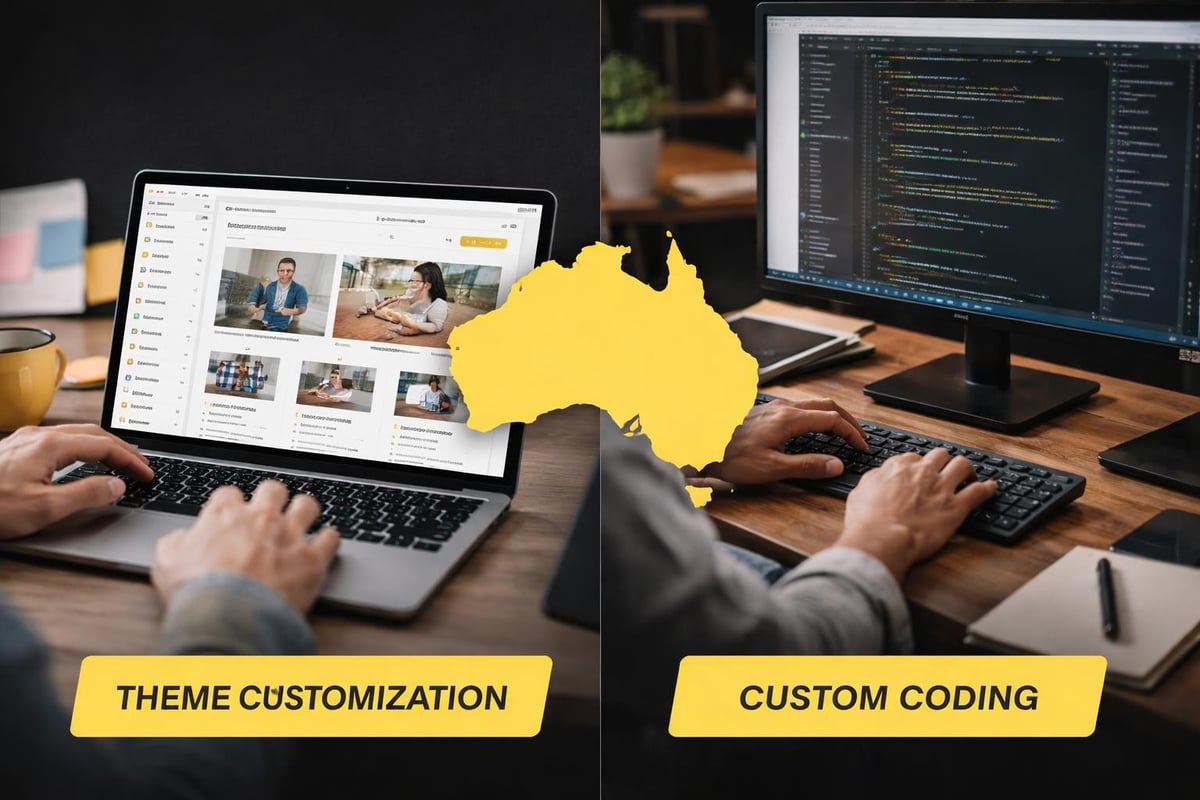
Theme Customisation vs Custom Development
Theme customisation works within the constraints of pre-built Shopify themes.
A designer adjusts colours, uploads your logo, reorganises sections, and configures basic settings.
Custom development involves writing code to create unique features, layouts, or functionality that doesn't exist in standard themes.
Theme customisation typically includes:
- Colour scheme adjustments
- Logo and brand asset integration
- Homepage layout configuration
- Basic navigation setup
- Font selection and implementation
Custom development might involve:
- Unique product page layouts
- Advanced filtering systems
- Custom checkout experiences (Shopify Plus only)
- Bespoke animation and interaction design
- Integration with external systems
Most small Australian eCommerce businesses don't need custom development to launch successfully.
The Shopify theme ecosystem has matured significantly, with modern themes offering flexibility that covers 90% of use cases without touching code.
What Gets Included in Professional Service Packages
Professional shopify web design services should include more than visual design.
The work before design starts matters more than most business owners realise.
| Service Component | Why It Matters | Often Skipped By |
|---|---|---|
| Store strategy session | Defines target customer, positioning, conversion goals | DIY builders, cheap freelancers |
| Competitor analysis | Identifies market expectations and opportunities | Template-only services |
| Navigation architecture | Determines how customers find products | Designers without eCommerce experience |
| Product page structure | Establishes how to present information for decisions | Services focused only on aesthetics |
| Mobile-first design | Ensures functionality on devices that drive 70%+ traffic | Desktop-focused designers |
According to Shopify's 2025 commerce data, 79% of Australian eCommerce traffic comes from mobile devices.
Design services that don't prioritise mobile experience first will cost you sales immediately.
Strategy Before Pixels
The difference between a store that looks nice and one that converts comes down to strategic decisions made before design work begins.
Who is your customer?
What objections prevent them from buying?
What information do they need at each stage of the buying journey?
These questions should inform every design choice.
A strategic approach to Shopify development starts with understanding conversion paths, not selecting colour palettes.
Common Mistakes When Choosing Design Services
Small business owners make predictable mistakes when selecting shopify web design services.
Understanding these patterns helps you avoid them.
Prioritising Aesthetics Over Function
Beautiful design that doesn't convert is just expensive decoration.
The most common trap: choosing designers based on portfolio screenshots without examining the actual store performance those designs achieved.
A gorgeous homepage means nothing if visitors can't find products or abandon cart because the checkout process creates friction.
Research from Baymard Institute shows the average cart abandonment rate sits at 69.82% across industries.
Poor design contributes significantly to this number through unclear calls-to-action, complicated navigation, and slow load times.
Ignoring Mobile Experience
Desktop previews look impressive in client presentations.
Mobile screenshots don't generate the same excitement.
Yet mobile drives the majority of your traffic and an increasing percentage of transactions.
Mobile design failures include:
- Buttons too small to tap accurately
- Text requiring zoom to read
- Horizontal scrolling on product images
- Forms that don't trigger appropriate keyboards
- Navigation hidden behind unclear menu icons
Shopify web design best practices emphasise mobile-first thinking because that's where your customers actually shop.
Choosing Based on Price Alone
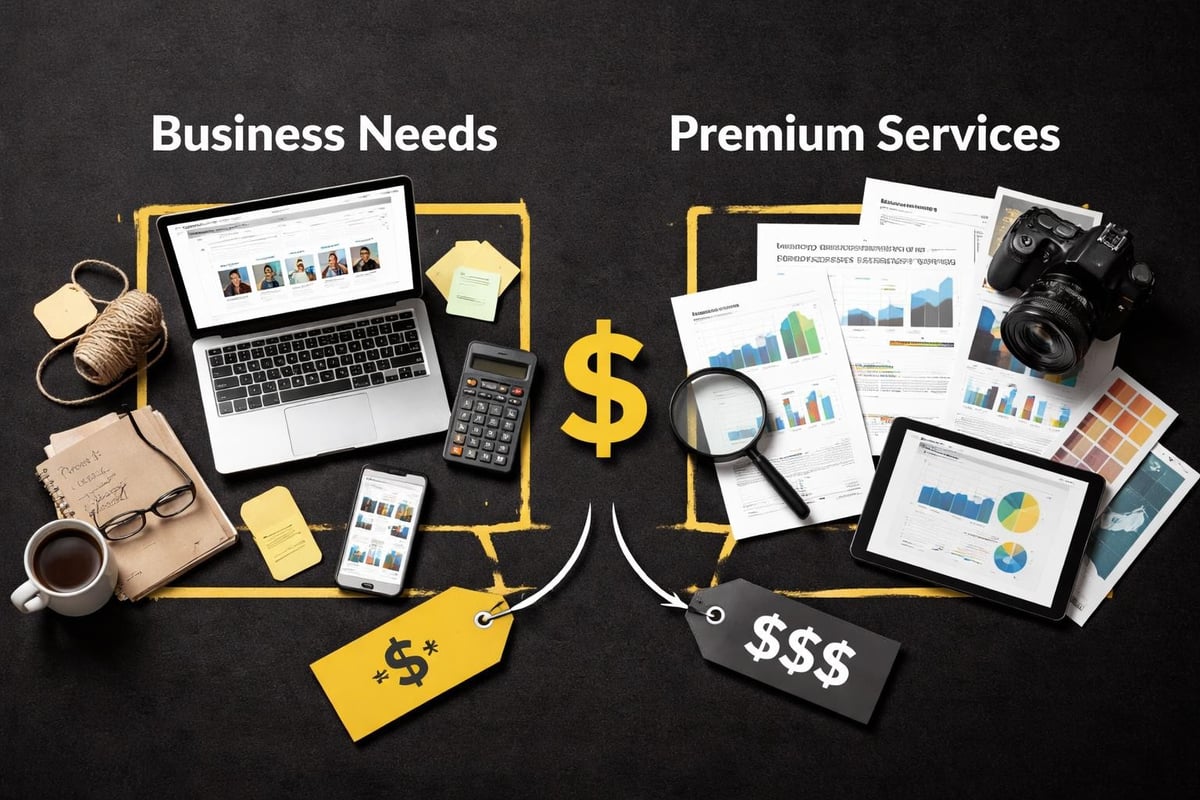
The $500 Fiverr setup and the $15,000 agency build both claim to deliver a "professional Shopify store."
They're not comparable products.
Cheap services provide theme installation and basic customisation.
Expensive agencies include strategy, project management overhead, extensive revisions, and often features you don't need.
For most small Australian businesses, the smart middle ground involves focused, conversion-led development that includes strategy without agency bloat.
Understanding why agencies charge premium rates helps you evaluate whether you're paying for value or overhead.
Essential Features Your Store Actually Needs
Not every feature that sounds important actually drives sales.
Focus matters more than feature lists.
Core Functionality Requirements
Every Shopify store needs basic functionality regardless of industry or product type.
Non-negotiable elements:
- Clear navigation that makes sense to first-time visitors
- High-quality product photography with zoom capability
- Detailed product descriptions answering common questions
- Visible trust signals (security badges, return policy, contact information)
- Streamlined checkout with guest option
- Mobile-responsive design across all pages
- Fast load times (under 3 seconds on mobile)
These fundamentals matter more than any advanced feature you might add later.
A study by Portent found that eCommerce sites loading in 1 second have a conversion rate 2.5 times higher than sites loading in 5 seconds.
Your design service should prioritise performance from day one.
Features That Can Wait
Marketing hype often pushes features you don't need at launch.
Commonly oversold features for new stores:
- Advanced product filtering (before you have enough products to warrant it)
- Complex bundle builders (test demand with simple bundles first)
- Subscription functionality (unless core to your business model)
- Advanced search (standard Shopify search works fine under 100 products)
- Multiple currency support (start with your primary market)
Launch lean.
Add complexity based on customer behaviour and actual needs, not theoretical possibilities.
Integration Priorities
The right app integrations enhance functionality without bloating your store.
Start with essentials:
- Email marketing platform (Klaviyo, Mailchimp, or similar)
- Product reviews app (Judge.me, Loox, or equivalent)
- Analytics beyond Google Analytics (if needed for your strategy)
- Shipping solution matching your fulfillment approach
Each app adds load time.
Choose carefully and only add what you'll actively use.
How Design Impacts Conversion Rates
Design isn't decoration.
It's the framework that guides visitors toward purchase decisions.
Navigation and Product Discovery
Clear navigation reduces friction in the buying journey.
Customers shouldn't need to think about how to find products.
Categories should match how people search, not how you organise your warehouse.
Optimising navigation structures based on customer behaviour rather than internal logic can increase time on site and products viewed per session by 40% or more.
Navigation best practices:
- Limit main menu to 5-7 items
- Use subcategories for depth, not width
- Include search prominently
- Make cart accessible from every page
- Show account access clearly
Breadcrumb trails help customers backtrack without using the browser back button, which often leads to site exits.
Product Page Structure
Product pages do the heavy lifting in eCommerce.
Every element should answer a question or remove an objection.
The most effective product pages follow predictable patterns because those patterns work consistently across industries and customer types.
High-converting product pages include:
- Multiple high-quality images showing different angles and use cases
- Clear pricing with any variations displayed prominently
- Detailed descriptions covering specifications, materials, dimensions, and use cases
- Trust signals like reviews, guarantees, and return policies
- Obvious add-to-cart button in consistent location
- Related products or bundles for increased average order value
Small changes to product page design can create significant conversion improvements.
Moving reviews above the fold increased conversions by 14% for one Australian homewares retailer in a 2025 test.
Checkout Process Optimisation
Cart abandonment happens for specific, fixable reasons.
Complicated checkout processes contribute to 17% of abandonment according to recent eCommerce research.
Checkout friction points:
- Requiring account creation before purchase
- Unclear shipping costs until final step
- Limited payment options
- Complex forms requesting unnecessary information
- Slow load times between steps
- Lack of security signals
Shopify's native checkout performs well, but theme design choices impact how visitors reach checkout and whether they complete the process.
Choosing the Right Service Provider
Not all shopify web design services suit every business stage or budget.
Matching provider to need matters more than credentials.
Questions to Ask Before Hiring
Specific questions reveal whether a provider understands eCommerce beyond making things look nice.
Ask potential providers:
- What's your process for understanding my target customer?
- How do you approach mobile design differently from desktop?
- What apps or integrations do you typically recommend and why?
- How do you optimise for page speed?
- What happens after launch if I need changes?
- Can you show me conversion data from previous client projects?
Vague answers to specific questions signal inexperience with actual eCommerce outcomes.
Red Flags to Avoid
Certain promises and approaches indicate problems ahead.
Warning signs:
- Guaranteeing specific sales results (no one can promise this)
- Pushing custom development for basic needs
- No discussion of strategy or customer journey
- Portfolio showing only homepage designs
- Unwillingness to provide client references
- Contracts without clear scope or deliverables
The cheapest option almost never delivers professional results.
The most expensive option often includes overhead and process you're paying for but don't benefit from.
Timeline Expectations
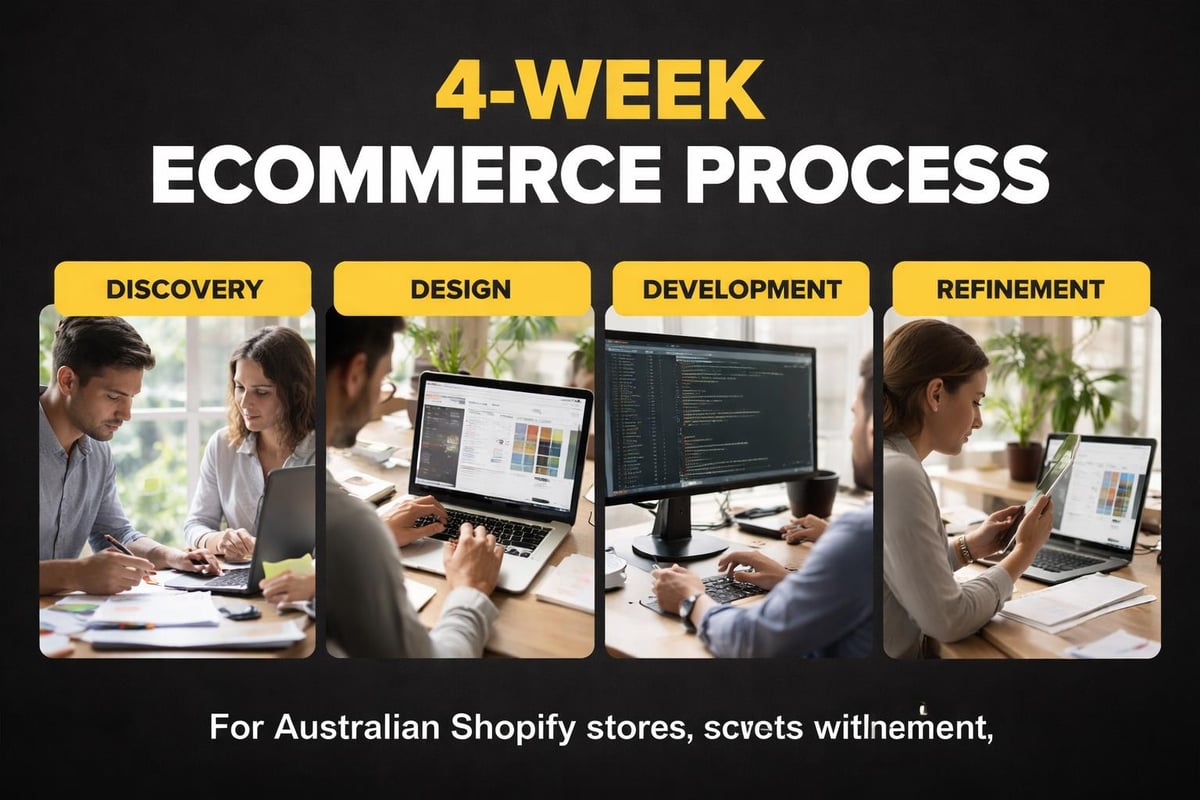
Realistic shopify web design services timelines depend on scope and complexity.
Basic theme customisation: 1-2 weeks
Strategic store build with customisation: 3-4 weeks
Complex custom development: 6-12 weeks
Rush jobs compromise quality.
Unreasonably long timelines often indicate inefficient processes or overly complicated approaches.
For small Australian businesses launching their first store, Kida Digital’s core Shopify package delivers everything needed to launch within four weeks, including strategy, design, and essential integrations without unnecessary complexity.
Design Elements That Actually Drive Sales
Certain design patterns consistently outperform alternatives across different store types and industries.
Homepage Strategy
Your homepage should orient visitors and direct them toward relevant products.
It's not a catalogue.
It's a filtering mechanism.
Effective homepage elements:
- Clear value proposition visible immediately
- Featured collections or bestsellers
- Social proof (testimonials, review highlights, customer counts)
- Clear navigation to main product categories
- Trust signals (shipping information, guarantees, certifications)
Homepages should load fast and communicate clearly what you sell and why visitors should care.
Homepage design best practices emphasise clarity over creativity for good reason.
Collection Page Design
Collection pages bridge homepage and product pages.
They need enough information to help customers choose which products to explore without overwhelming with details.
Grid layouts work well with clear product images, pricing, and minimal text.
List layouts suit products requiring more context or comparison.
Filtering and sorting options become essential once you exceed 12 products in a collection.
Trust and Social Proof
Australian consumers research before buying.
Design should make verification easy.
Trust-building design elements:
- Customer reviews with photos
- Security badges near checkout
- Clear return and refund policies
- About page with real story and faces
- Contact information prominently displayed
- Australian business verification (ABN visible, .au domain)
A 2025 study found 93% of consumers read online reviews before purchasing.
Your design should make reviews accessible and believable.
Performance and Technical Considerations
Beautiful design that loads slowly loses customers before they see your products.
Page Speed Optimisation
Every second of load time impacts conversion rates measurably.
Shopify handles hosting and core infrastructure well, but theme choice and app selection dramatically affect speed.
Speed killers:
- Unoptimised images
- Excessive apps
- Poorly coded themes
- Too many fonts
- Uncompressed files
Common Shopify development mistakes often relate to performance issues that could have been prevented during initial design and development.
Test your store speed regularly using Google PageSpeed Insights and Shopify's built-in speed report.
Mobile Optimisation Beyond Responsive Design
Responsive design means your site doesn't break on mobile.
Mobile optimisation means it's actually pleasant to use on mobile.
These aren't the same thing.
Touch targets need adequate size and spacing.
Text should be readable without zooming.
Navigation should work with thumbs, not precision clicking.
SEO-Friendly Design Structure
Design choices impact search visibility.
Clean URL structures, proper heading hierarchy, and logical site architecture help search engines understand and rank your content.
SEO optimisation for Shopify stores requires technical implementation during design, not as an afterthought.
What You Can DIY vs When to Hire
Not every aspect of shopify web design services requires professional help.
Understanding where to invest and where to handle things yourself saves money while maintaining quality.
Tasks Suitable for DIY
Business owners can handle certain elements effectively with basic technical comfort.
DIY-friendly tasks:
- Adding products and basic product information
- Writing product descriptions
- Uploading images (after proper preparation)
- Basic theme setting adjustments
- Creating simple pages (About, Contact, Policies)
- Managing blog content
These tasks require time more than expertise.
When Professional Help Makes Sense
Certain aspects of store design significantly impact results and benefit from professional experience.
Hire help for:
- Overall store strategy and positioning
- Theme selection and initial configuration
- Navigation architecture
- Homepage and collection page design
- App selection and integration
- Performance optimisation
- Conversion rate analysis
The cost of professional help in these areas typically pays for itself through improved conversion rates and fewer expensive mistakes.
Ongoing Design and Optimisation
Launch is the beginning, not the end.
Your store design should evolve based on customer behaviour and performance data.
Post-Launch Refinement
No store launches perfectly optimised.
Plan for refinement based on actual visitor behaviour rather than assumptions.
Monitor these metrics:
- Bounce rate by page type
- Cart abandonment rate
- Average order value
- Pages per session
- Conversion rate by traffic source
Use heatmaps and session recordings to identify friction points visitors experience.
A/B Testing Design Elements
Small design changes can create measurable improvements.
Test one element at a time:
- Call-to-action button colours and text
- Product page layouts
- Homepage hero images and messaging
- Navigation structures
- Checkout process steps
Document results and implement winners permanently.
Seasonal Updates and Refreshes
Stores benefit from periodic updates to maintain relevance and freshness.
This doesn't mean constant redesigns.
Update promotional banners, featured products, and homepage messaging to reflect seasons, new inventory, or current promotions.
Minor refreshes keep your store feeling current without the disruption and cost of major overhauls.
Getting shopify web design services right from the start saves the cost and frustration of rebuilding six months after launch. Focus on strategic fundamentals over trendy features, prioritise mobile experience and conversion optimisation, and choose providers who understand eCommerce outcomes beyond aesthetic preferences. If you're ready to build a Shopify store that actually converts Australian customers without agency bloat or DIY frustration, Kida Digital specialises in conversion-led development that gets small eCommerce businesses live and selling within four weeks.


Be the first to comment